Free bottle label maker online
Free tool: app.mylabelmaker.com. No signup. Design in your browser, print from Excel, download PNG or PDF, or print to a Zebra.
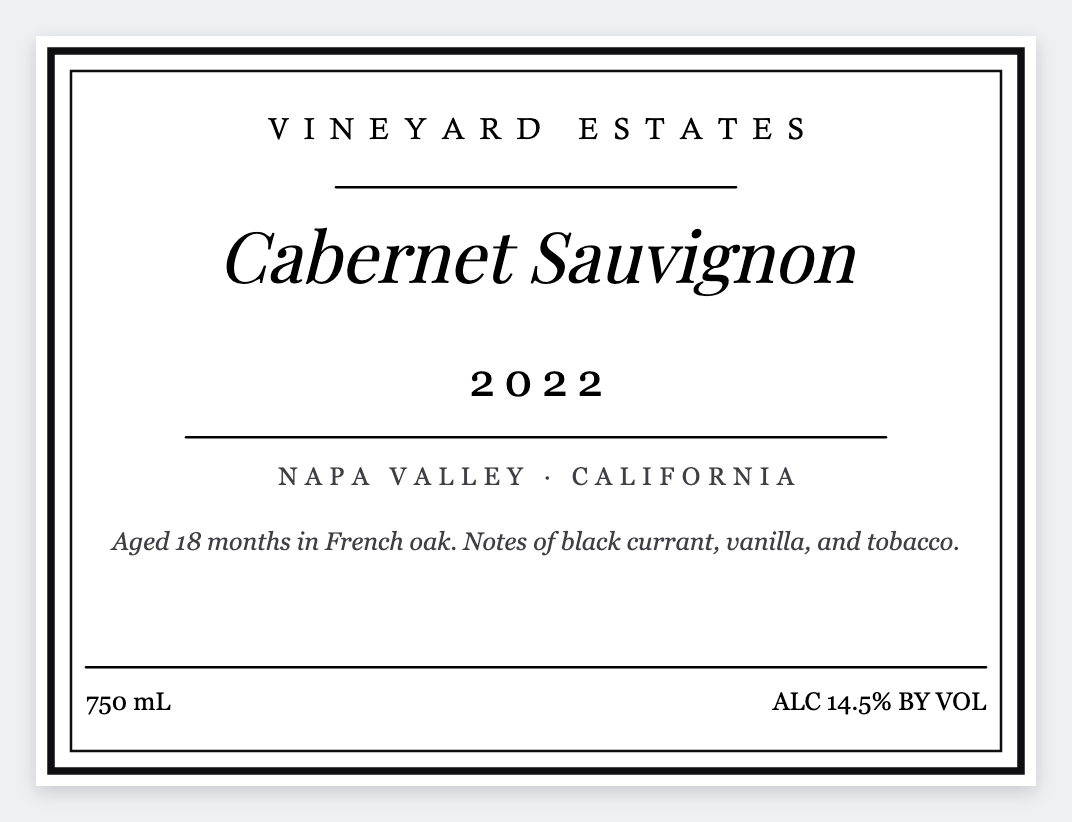
How to use a free bottle label maker online
A free bottle label maker online should let you set a wrap-friendly size and add a barcode if you sell retail. Open the free label maker, design the sticker, then download PNG or PDF for a color printer or print thermal for ops.
Tips that make bottle stickers scan
- Measure the flat printable area, not the full circumference, if you only wrap a front panel.
- Leave quiet zones on both sides of a barcode so it still scans on a curve.
- A QR for ingredients or the brand story works well on a craft bottle.
- Open https://app.mylabelmaker.com/?template=wine-bottle. No signup.
- Set the width to the wrap around the bottle, and the height to the face you can see.
- Put the product name large. Add a barcode only if you already own the digits.
- Print one on plain paper and wrap it around the bottle before you print the stack.
Good to know: This prints the face. It does not file a label with a regulator, and it does not sell the bottle.
Open the free bottle label maker
Custom size, barcode or QR, print from Excel, PNG or PDF, print to a Zebra. No account.
Open wine bottle template