Free brewery and winery labels
Free label maker: app.mylabelmaker.com. No signup. Print from Excel. Download PNG or PDF, or print to a Zebra. Hubs: label maker · industries · label sizes.
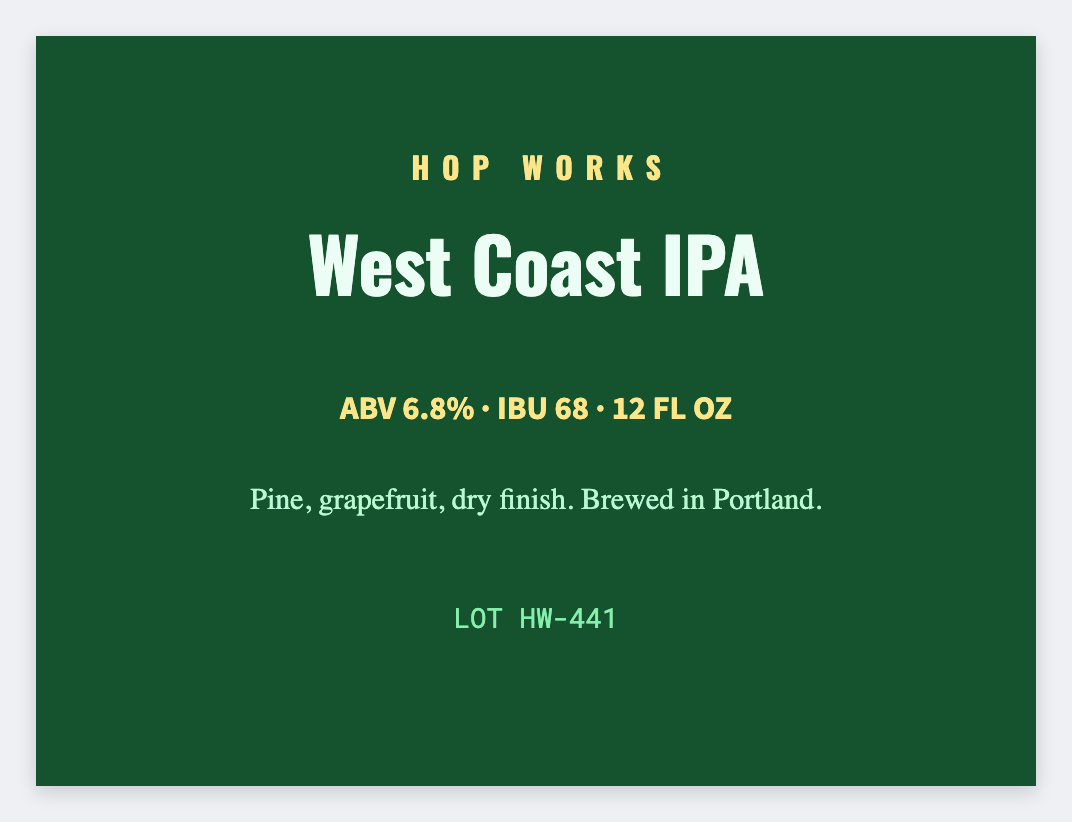
Free brewery and winery labels you can print
You can make free brewery and winery labels for bottle and can stickers and tap faces. Open the free label maker, add the brand face, batch code, and ABV line, then print from Excel. TTB compliance stays yours.
Alcohol labeling rules are yours. This is a design tool, not a TTB filing.
What to put on a brewery label
- Front brand face
- Batch/lot codes
- Tap list stickers
- QR to beer/wine page
Start in the free app. Industry hub: industries.
Print brewery labels from Excel
Export CSV from your POS, LIMS, or spreadsheet. Map columns, preview a row, then print the stack. Guide: mail merge labels free.
- Open https://app.mylabelmaker.com/?template=beer-can. No signup.
- Put the beer or wine name large, then the style or vintage under it.
- If each can is different, put the names in Excel or CSV, one row per can, and place that column.
- Print from this computer, or send a 4 inch roll to a Zebra printer. Check one can before the rest.
Good to know: This is the sticker, not a TTB approval and not a place to buy postage.
Design these labels free
Browser canvas · barcodes · QR · Excel batch · export or Zebra print. No account.
Open beer can template