Free candle label maker
Free tool: app.mylabelmaker.com. No signup. Design in your browser, print from Excel, download PNG or PDF, or print to a Zebra.
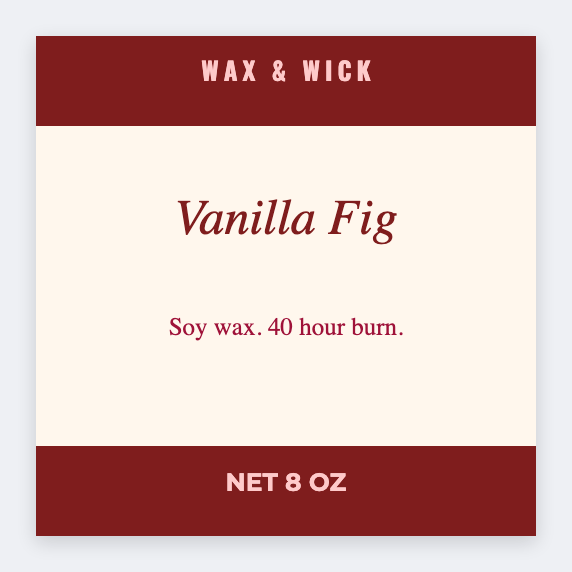
How to use a free candle label maker
You can use a free candle label maker without a designer seat. Open the free label maker, add scent name, logo, burn warnings, and a QR to care notes. Print from Excel when the whole scent list is ready.
What to put on a candle label
- Front face: brand + scent
- Bottom or back: warnings and burn time
- QR to product page or safety PDF
- Sample tin stickers from a scent list
Print candle labels from Excel
Map {{scent}}, {{sku}}, and {{url}}, then load CSV. Related: jar labels · sticker maker.
- Open https://app.mylabelmaker.com/?template=candle. No signup.
- Put the scent name large. Under it, the warnings you already use, in type a person can read.
- Add a QR only if it opens a page you control. Leave quiet space around the code.
- Print one and wrap the jar. If the ends overlap the words, make the label narrower.
Good to know: Type the burn warnings you are responsible for. The app does not write a safety data sheet.
Design your next label free
Browser canvas · barcodes · QR · logos · Excel batch · export or Zebra print. No account.
Open candle template