Free energy drink labels
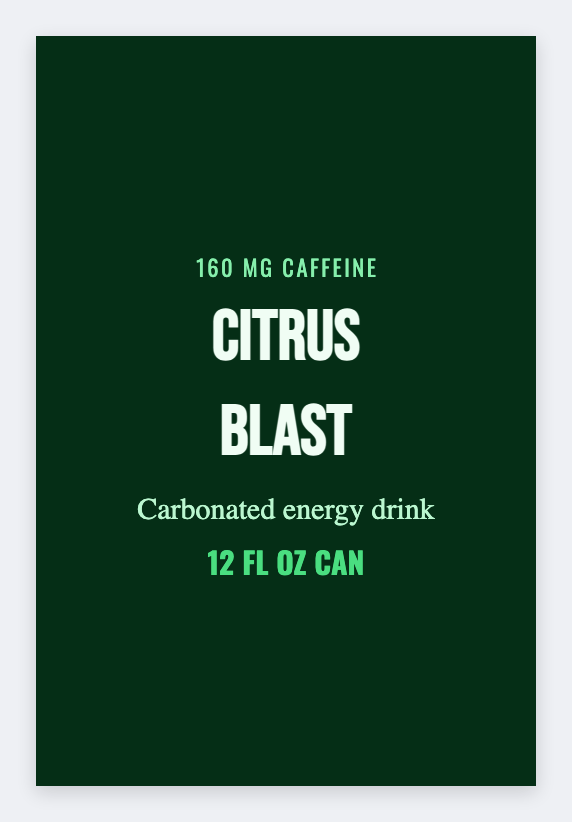
Yes. You can make free energy drink labels here. Open the energy drink template, type the flavor as the hero, add the caffeine line you already print, then download PNG or PDF. We don't mail cans or stickers.
How to make free energy drink labels
- Open the energy drink template. No signup.
- Set the wrap to the can height you actually use, including overlap.
- Type the flavor as the hero. Add the caffeine or serving line you already use.
- Print on a Zebra, or download PNG or PDF. If you have a flavor list, load Excel or Google Sheets.
What to put on an energy drink label
Keep it readable at arm's length. The flavor does the talking. You supply the caffeine and serving words.
- Flavor name as the hero
- Caffeine / serving line you supply
- Lot / best-by token
- Variety-pack case sticker
Cans vs bottles
Measure the wrap, including overlap. A 12 oz slim can is not a 16 oz bottle. Save JSON per can size so you don't rebuild it next week.
Print a flavor list from Excel or Google Sheets
If you have more than one flavor, put each SKU on its own row. Map a column into the flavor name, a barcode, or a QR. Preview one can, then print the stack. Guide: mail merge labels.
Print or save
If you have a Zebra, print from the browser with Browser Print at the printer's DPI. Everyone else: download PNG, JPEG, SVG, PDF, or ZPL. JSON keeps the editable master.
Design these energy drink labels free
Flavor name, caffeine line you supply, print or download. No account.
Open energy drink template