Family address label template
Do this in the free app: app.mylabelmaker.com. No signup. Design the label, then print on a Zebra or download PNG / PDF / ZPL.
Yes. There's a free family address label template with your family name and street. Open it, type the address, and print from this computer onto sticker paper. We don't mail stickers.
Good to know: This is the address face, not postage. Print at home on sticker paper. Not an Avery 30-up wizard. We do not mail stickers.
How to print a family address label template
- Open the family address label template. No signup.
- Type the family name, street, city, state, and zip.
- Print from this computer onto sticker paper, or download a PDF at actual size.
- Stick it on the envelope. If you have a list of cousins, load Excel in Variables.
The face is a wide 4 by 2 inch address sticker. Name on the first line, street under it. Swap the sample text for yours.
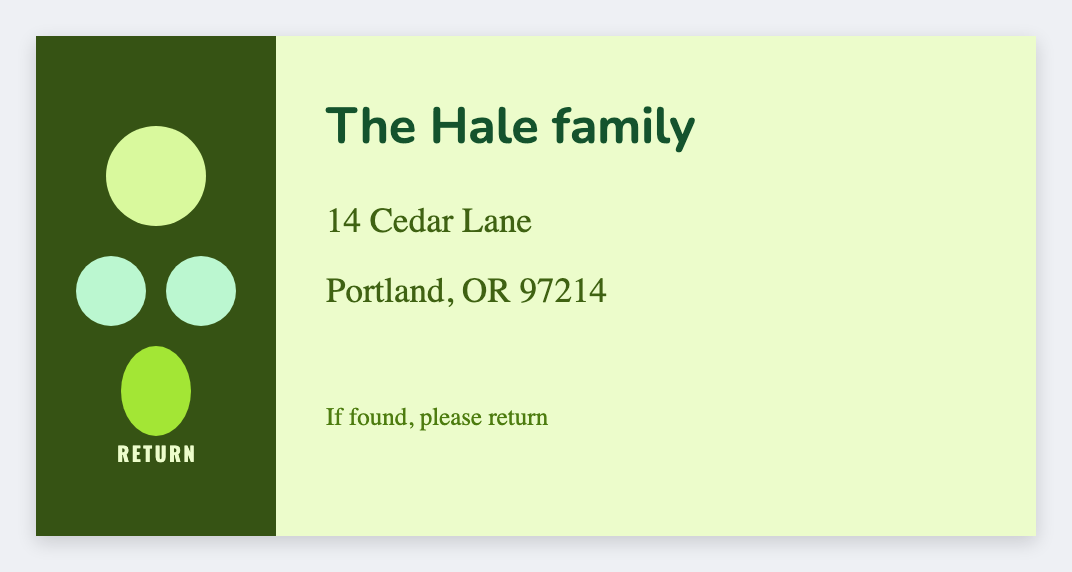
Don't fit-to-page. Postage is stamps or the carrier, not this app. We don't mail stickers.
Print or save
If you have a Zebra, print from the browser with Browser Print at the printer's DPI. Everyone else: download PNG, JPEG, SVG, PDF, or ZPL. JSON keeps the editable master so you can come back to it.