Free farmers market labels
Do this in the free app: app.mylabelmaker.com. No signup. Design the label, then print on a Zebra or download PNG / PDF / ZPL.
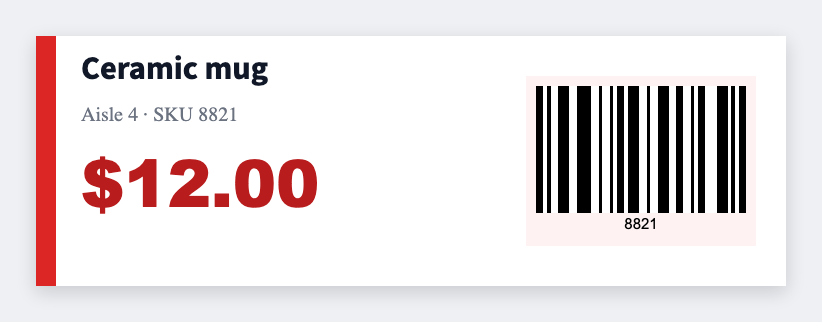
Yes. You can make free farmers market labels for produce, jars, and price cards. Open the price tag template, type the crop and the price, then print. When the board changes, reprint that row. We don't mail stickers.
How to make free farmers market labels
- Open the price tag template. No signup.
- Set 3x2 for a table card, or 2x1 for a bag sticker.
- Type the crop, variety, and price. Add your farm name if you want it on every face.
- Print on a Zebra, or download PNG or PDF. Load Excel if you have a harvest list.
What to put on a farmers market label
Large type. High contrast. Morning sun on a folding table is not a studio monitor.
- Crop and variety names
- Price-per unit tokens
- Organic / local badge text
- QR to CSA signup
Print the harvest list from Excel or Google Sheets
Put each crop on its own row: name, price, unit. Map those columns onto the card. Preview two items, then print Friday night. Guide: mail merge labels.
Print or save
If you have a Zebra, print from the browser with Browser Print at the printer's DPI. Everyone else: download PNG, JPEG, SVG, PDF, or ZPL. JSON keeps the editable master so you can come back to it.
Print Saturday's cards
Crop, price, farm name. Reprint when the board changes.
Open price tag template