Free Google Maps QR stickers
Do this in the free app: app.mylabelmaker.com. No signup. Design the label, then print on a Zebra or download PNG / PDF / ZPL.
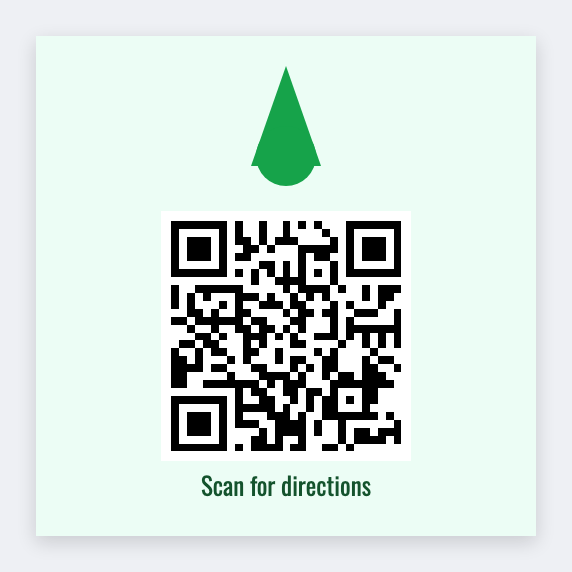
A Google Maps QR sticker opens your pin when someone scans it. Share the place in Maps, copy the link, paste it into the QR field. Add the business name in plain type. Print. We don't log into Google.
Good to know: We do not access Google accounts or change your Business Profile. Keep the Maps link public if strangers will scan it.
How to make Google Maps QR stickers
- Open the Maps QR template. No signup.
- Set the size to the sticker or roll you actually have.
- Add the text, barcode, or QR that belongs on this label.
- Print on a Zebra, print from this computer, or download PNG or PDF.
What to put on the label
- Use the official share link, not a cropped screenshot of the map
- Add the business name in plain type above the code
- Window-cling and table-tent sizes both work
- We only encode the URL you paste
Parking lots and booths
A 2×2 QR on foam-core at a booth beats spelling the address. Batch different pins from a sheet if you have several locations.
Print a whole list from Excel or Google Sheets
If you have a list, put one item per row. Map a column to the text, barcode, or QR. Preview the first row, then print the stack. Guide: mail merge labels.
Print or save
If you have a Zebra, print from this computer with Browser Print at the printer's DPI. Everyone else: download PNG, JPEG, SVG, PDF, or ZPL. Save the JSON if you want to edit this layout later.