Print cookie labels from Excel
Do this in the free label maker: app.mylabelmaker.com. No signup. Design the label, then print to a Zebra or download PNG, PDF, or ZPL.
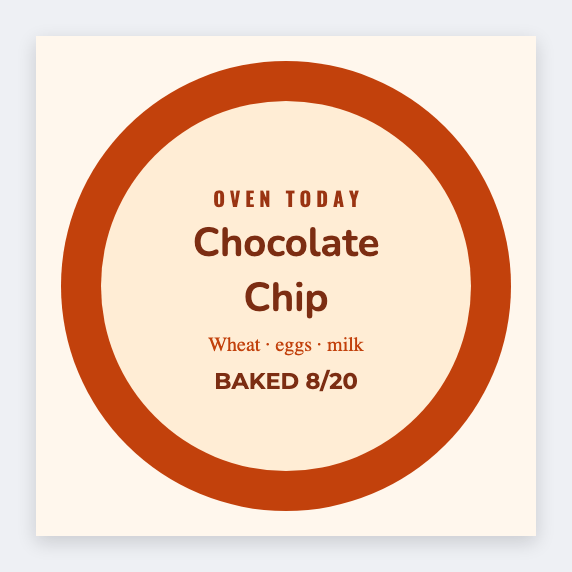
You can print cookie labels from Excel in the free label maker. Put flavor and ingredients in a sheet, set 2x2, map {{flavor}}, then print the bags. No signup. Allergen and cottage-food wording stay yours.
Good to know: Allergen and cottage-food wording are yours. We print the row.
How to make cookie labels from a flavor list
- Open https://app.mylabelmaker.com. No signup. Set 2x2 or 2x3.
- Load a sheet with flavor, ingredients, and packed-on.
- Map {{flavor}} large and {{ingredients}} wrapped.
- Preview two flavors. Print the batch.
Same sheet as bakery ingredients
If you already print loaf labels, reuse the recipe columns. Change only the size.
Print or save
If you have a Zebra, print from this computer with Browser Print at the printer's DPI. If you don't, download PNG, JPEG, SVG, PDF, or ZPL. JSON keeps the layout so you can open it later.