How to make essential oil bottle labels
Do this in the free label maker: app.mylabelmaker.com. No signup. Design the label, then print to a Zebra or download PNG, PDF, or ZPL.
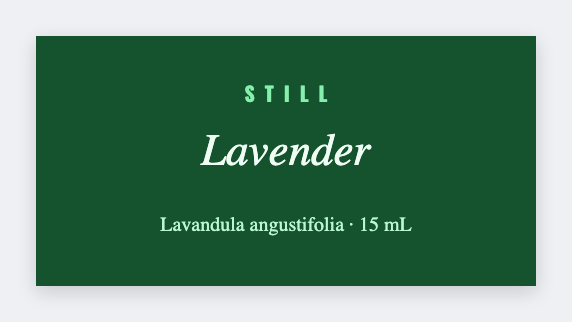
You can make essential oil bottle labels in the free label maker. Measure the vial, set a small wrap or lid, map {{oil}}, then print. No signup. A sheet of 20 oils is one layout, not 20 Canva files. We don't write therapeutic claims.
Good to know: We don't write therapeutic claims. Name, volume, and a short note are enough for a vial.
How to make essential oil bottle labels
- Open https://app.mylabelmaker.com. No signup.
- Measure the vial wrap or the cap top, then set that small size.
- Map {{oil}} and optional {{ml}} from your list.
- Preview the longest name. Print the rack.
Blends
Add a {{blend}} line if the recipe is more than one oil. Keep type large. Tiny script will not survive a 5 ml bottle.
Print or save
If you have a Zebra, print from this computer with Browser Print at the printer's DPI. If you don't, download PNG, JPEG, SVG, PDF, or ZPL. JSON keeps the layout so you can open it later.