How to make GHS workplace labels (design only)
Do this in the free label maker: app.mylabelmaker.com. No signup. Design the label, then print to a Zebra or download PNG, PDF, or ZPL.
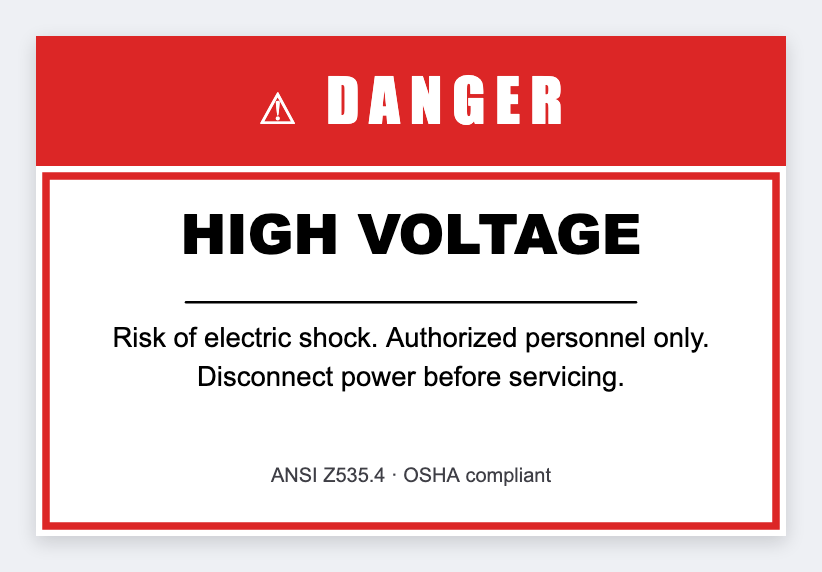
You can make GHS workplace labels as a design job in the free label maker. Put chemical name and a short warning in a sheet, set the bottle size, map the text, then print. No signup. This is not a certified GHS or SDS generator.
Good to know: We don't issue pictograms as a regulated set, and we don't replace your SDS. You own hazard classification and required text.
How to make GHS workplace labels
- Open https://app.mylabelmaker.com. No signup. Set the bottle or jug size.
- Load a sheet with name, warning, and optional location. Copy text from your SDS, not from memory.
- Map {{name}} large and {{warning}} wrapped. Add a shape only if you already know it belongs.
- Preview two rows. Print one test. Have a competent person check it before the run.
What this is not
It is not OSHA software and not a pictogram library. If you need a full GHS kit, use a specialist tool, then place an approved image here if you want it on the same sticker.
Print or save
If you have a Zebra, print from this computer with Browser Print at the printer's DPI. If you don't, download PNG, JPEG, SVG, PDF, or ZPL. JSON keeps the layout so you can open it later.