How to make salsa jar labels from a recipe list
Open the free label maker: app.mylabelmaker.com. No signup. Design the label, then print to a Zebra or download PNG, PDF, or ZPL.
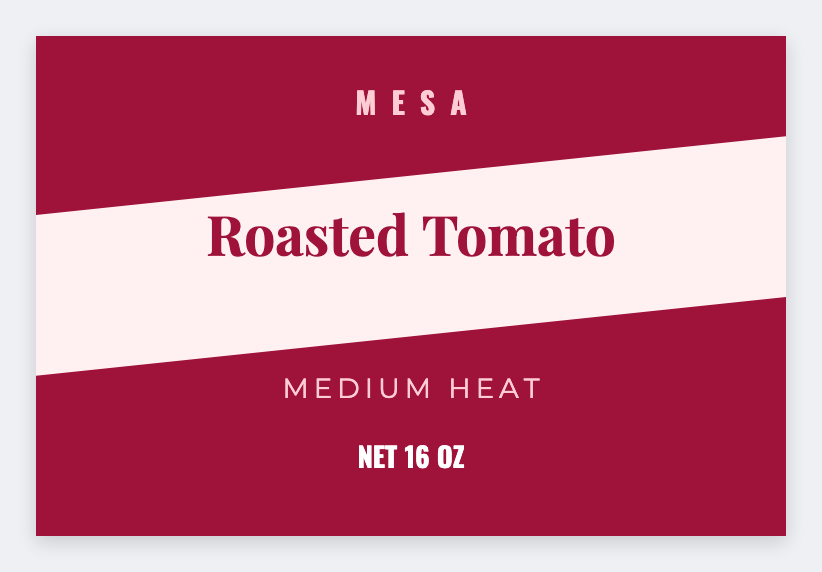
You can make salsa jar labels from a recipe list in the free label maker. Put name, heat, and ingredients in a sheet, set the jar size, map the columns, and print the canning day.
Good to know: Canning and dating rules are yours. We design the sticker.
How to make salsa jar labels
- Open the salsa jar template. No signup.
- Put recipe, heat, ingredients, and packed-on on each Excel row.
- Set the jar face. Map {{recipe}}, {{heat}}, {{ingredients}}.
- Preview two recipes, then print the batch.
Same day as jam
If you already print jam labels, reuse the size. Change only the tokens.
Print or save
Got a Zebra? Print with Browser Print at the printer's DPI. No Zebra? Print from this computer, or download PNG, JPG, SVG, PDF, or ZPL. Save JSON if you want to open the layout again later.
Print this canning day
Heat and ingredients from the sheet. Preview two jars, then the batch.
Open salsa jar template