How to print soap ingredient labels from a list
Do this in the free app: Open https://app.mylabelmaker.com. No signup. Design the label, then print on a Zebra or download PNG, PDF, or ZPL.
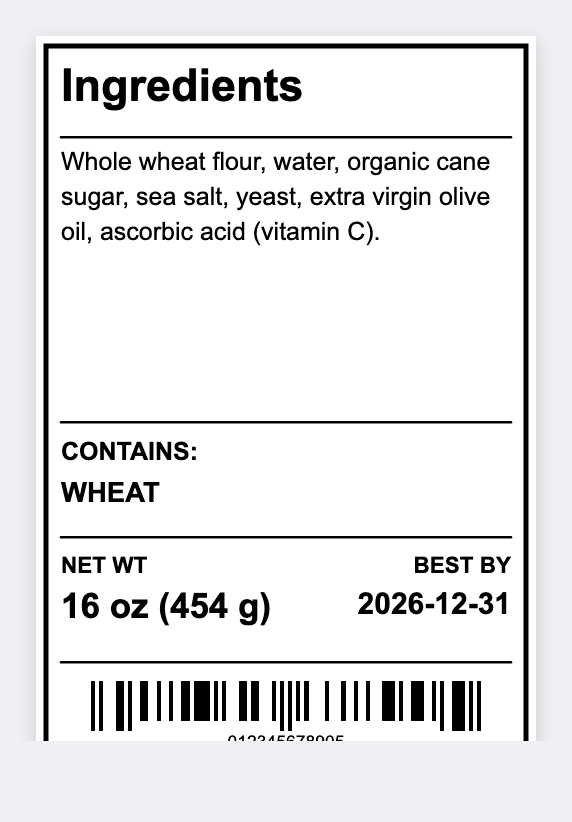
You can print soap ingredient labels without rebuilding Canva for every scent. Put scent and INCI in a sheet, open the free label maker, map {{scent}} and {{inci}}, then print the set.
Good to know: We do not write INCI for you and we do not certify soap labels. Print only lists you stand behind.
How to print soap ingredient labels
- Open https://app.mylabelmaker.com. No signup.
- Sheet columns: scent, INCI, net weight, optional batch date. 2x3 fits most bands.
- Map {{scent}} large and {{inci}} as wrapped text.
- Preview the longest list. Print the batch.
When a formula changes
A sheet plus one layout. Change a formula, reprint that row. Keep the JSON so you can edit it later.
Print or save
If you have a Zebra, print from this computer with Browser Print. Match the printer's DPI. Everyone else: download PNG, JPEG, SVG, PDF, or ZPL. Keep the JSON if you want to edit this later.