Free payment QR stickers
Open the free label maker: https://app.mylabelmaker.com. No signup. Design the label, then print to a Zebra or download PNG, PDF, or ZPL.
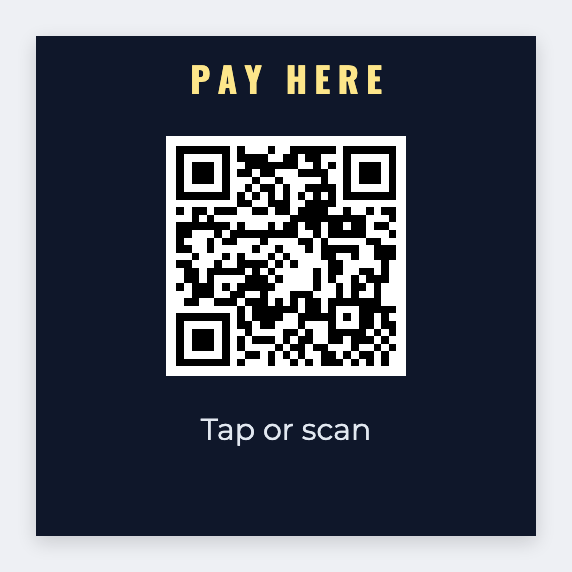
You can make payment QR stickers for free. Open the free label maker, paste your Venmo, Cash App, or PayPal URL, and print. Add table numbers from Excel if you run an event. No signup.
Good to know: We encode the URL you paste. Payment stays with Venmo, Cash App, PayPal, or Square. We never touch the money.
How to print payment QR stickers in the free label maker
- Open https://app.mylabelmaker.com. No signup.
- Set the size to the counter sticker you bought, often 2x2 or 3x3.
- Add a QR code and paste your payment URL. Add a table number if you need one per seat.
- Print from this computer, or download PNG or PDF.
What to put on a payment QR sticker
- The payment URL you already use
- Table or stall number, if you have more than one
- A 2x2 or 3x3 counter size so phones can scan it
- Reprint when the link changes
Print a whole list from Excel or Google Sheets
If the names or codes already live in Excel or Google Sheets, put one item on each row. Map that column into the text, a barcode, or a QR code. Preview one row, then print the stack. Longer walkthrough: mail merge labels.
Print or save
Got a Zebra? Print with Browser Print at the printer's DPI. Everyone else: print from this computer, or download PNG, JPG, SVG, PDF, or ZPL. Save JSON if you want the editable master back later.