Print classroom name labels from a class roster
Open the free label maker: https://app.mylabelmaker.com. No signup. Design the label, then print to a Zebra or download PNG, PDF, or ZPL.
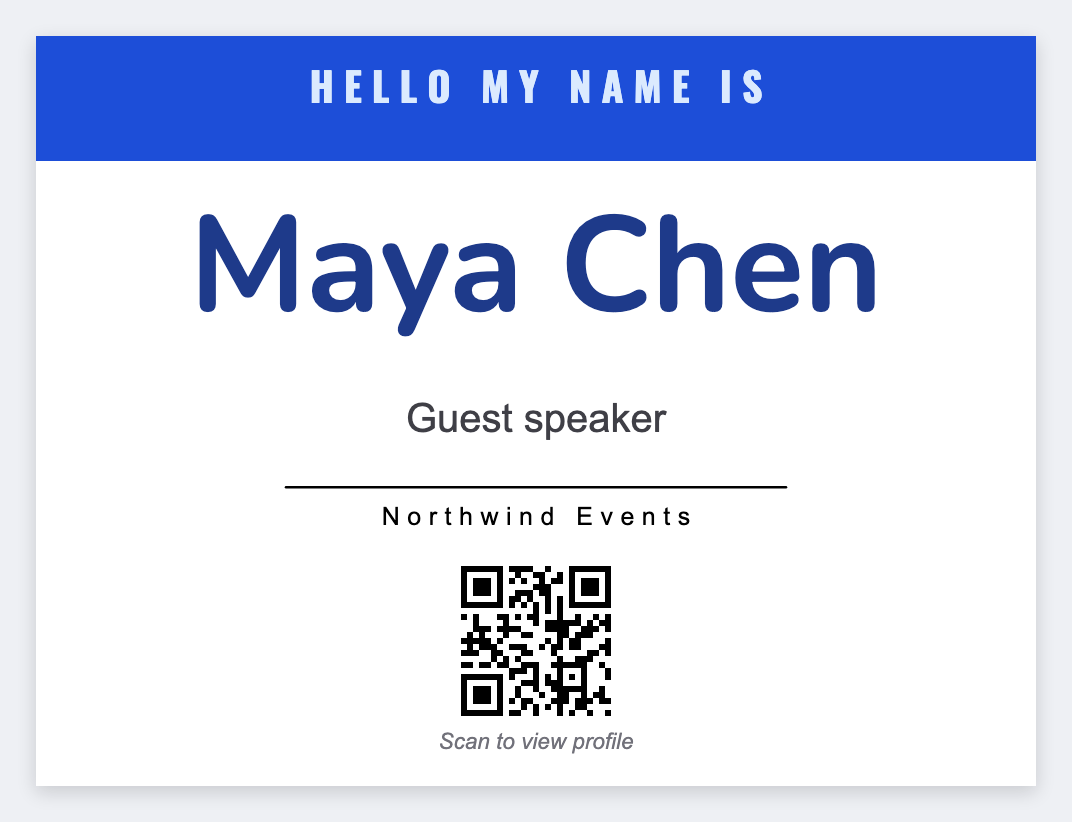
You can print classroom name labels from a roster. Open the free label maker, set 2x1 or 3x1, map {{student}}, and print desks, cubbies, and folders from the same sheet. No signup. Leave home addresses and parent phones off the cubby.
Good to know: Do not print home addresses or parent phone numbers on a cubby label unless your school wants that public.
How to print classroom name labels from a roster
- Open https://app.mylabelmaker.com. No signup.
- Export the class list: student, maybe class or hook number. Set 2x1 for cubbies or 3x1 for desks.
- Add {{student}} large. Optional {{class}}.
- Preview two names. Print the set. Save JSON for next term.
Teachers usually print three sets
- Desk or table strip
- Cubby or hook
- Folder or book bin
Same roster. Change only the size.
Print or save
Got a Zebra? Print with Browser Print at the printer's DPI. Everyone else: print from this computer, or download PNG, JPG, SVG, PDF, or ZPL. Save JSON if you want the editable master back later.