Free retail price stickers
Do this in the free app: app.mylabelmaker.com. No signup. Design the label, then print on a Zebra or download PNG / PDF / ZPL.
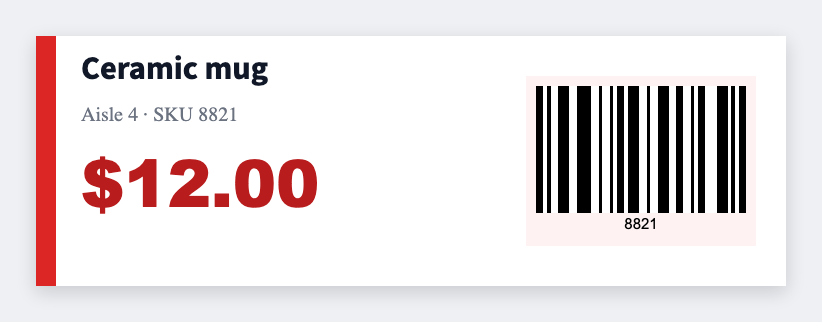
Retailers need price stickers that match POS. Design them free in the free label maker and batch SKU, price, and barcode from your product export. No signup.
How to make retail price stickers
- Open https://app.mylabelmaker.com. No signup.
- Set the size to the shelf edge or hang tag you have.
- Map price large, SKU, barcode. Sale badge text if you need it.
- Preview two SKUs, then print the run.
What to put on the label
- Price in large type
- SKU and barcode
- Sale or clearance badge text
- Shelf-edge sizes
Print a whole list from Excel or Google Sheets
One product per row. Map price and SKU, preview, print the stack. Guide: mail merge labels.
Print from this computer, or save a file
On a Zebra, print with Browser Print at the printer's DPI. Everyone else: download PNG, JPEG, SVG, PDF, or ZPL. JSON keeps the editable master.