Print Farmers Market Labels from Excel
Do this in the free app: app.mylabelmaker.com. No signup. Design the label, then print on a Zebra or download PNG / PDF / ZPL.
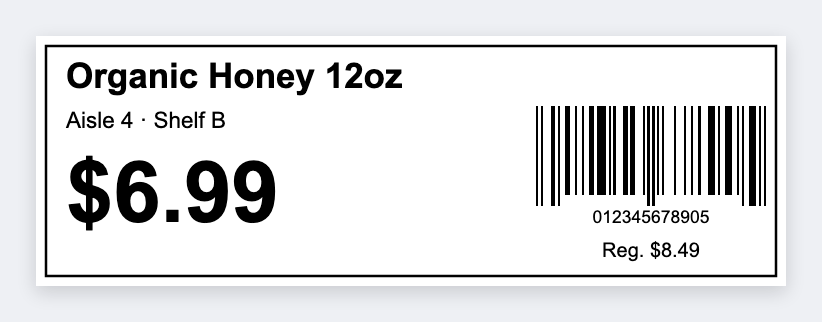
Yes. You can print farmers market price labels from Excel instead of handwriting 30 cards every Saturday. Map {{item}} and {{price}}, print 3x2 table tents or 2x1 bag stickers, and reprint a row when a price moves.
Good to know: Organic, grade, and egg-carton rules are yours. We print the words you type.
How to print farmers market price labels from Excel
- Open the shelf tag template. No signup.
- On the sheet, use headers like item, price, unit (each, lb, bunch).
- Map {{item}}, {{price}}, {{unit}}. Use 3x2 for a table card, 2x1 for a bag.
- Preview two items. Print Friday night. Change a price, reprint that row Saturday morning.
Two faces that work outdoors
Large type. High contrast. Skip thin script. Morning sun and a folding table are not a studio monitor. If you can't read it from the aisle, go bigger.
Print or save
If you have a Zebra, print from the browser with Browser Print at the printer's DPI. Everyone else: download PNG, JPEG, SVG, PDF, or ZPL. JSON keeps the editable master so you can come back to it.