How to make daycare name labels from a roster
Do this in the free label maker: app.mylabelmaker.com. No signup. Design the label, then print to a Zebra or download PNG, PDF, or ZPL.
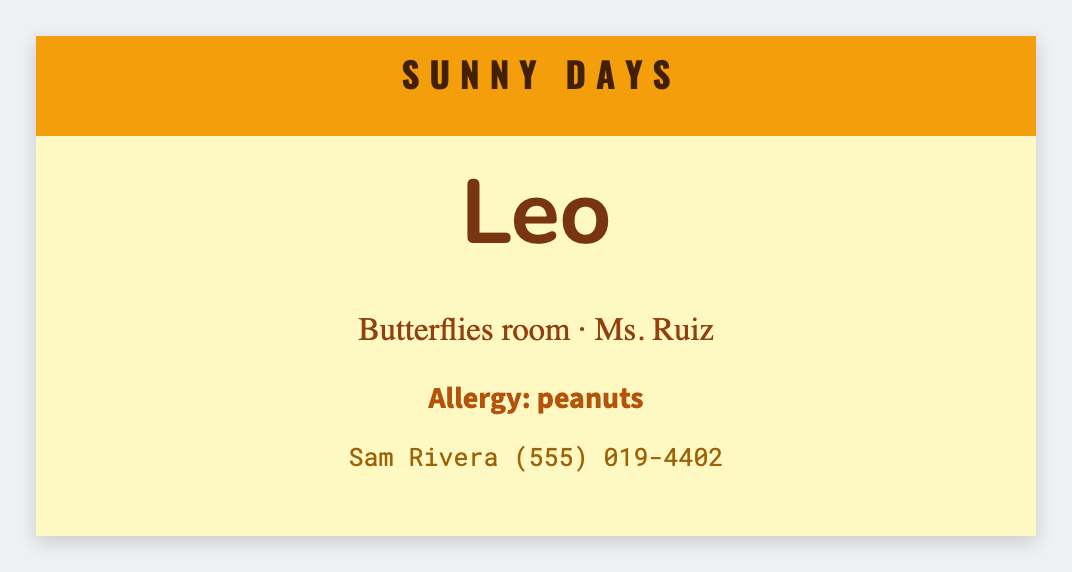
You can make daycare name labels from a roster in the free label maker. Export first names, set 2x1, map {{child}}, then print cubbies, cups, and bags. No signup. Don't print home address or parent phone on a bag that leaves the building unless your policy says so.
Good to know: Don't print home address or parent phone on a bag that leaves the building unless your policy says so.
How to make daycare name labels
- Open https://app.mylabelmaker.com. No signup. Set 2x1 or 2x2.
- Load a roster with child and room.
- Map {{child}} large. Optional {{room}}.
- Preview two names. Print extras for cups and extra clothes bags.
Same roster, three sizes
- Cubby: 2x1
- Cup: 1.5x1
- Bag: 2x2
Print or save
If you have a Zebra, print from this computer with Browser Print at the printer's DPI. If you don't, download PNG, JPEG, SVG, PDF, or ZPL. JSON keeps the layout so you can open it later.