Print envelope labels from Excel
Do this in the free label maker: app.mylabelmaker.com. No signup. Design the label, then print to a Zebra or download PNG, PDF, or ZPL.
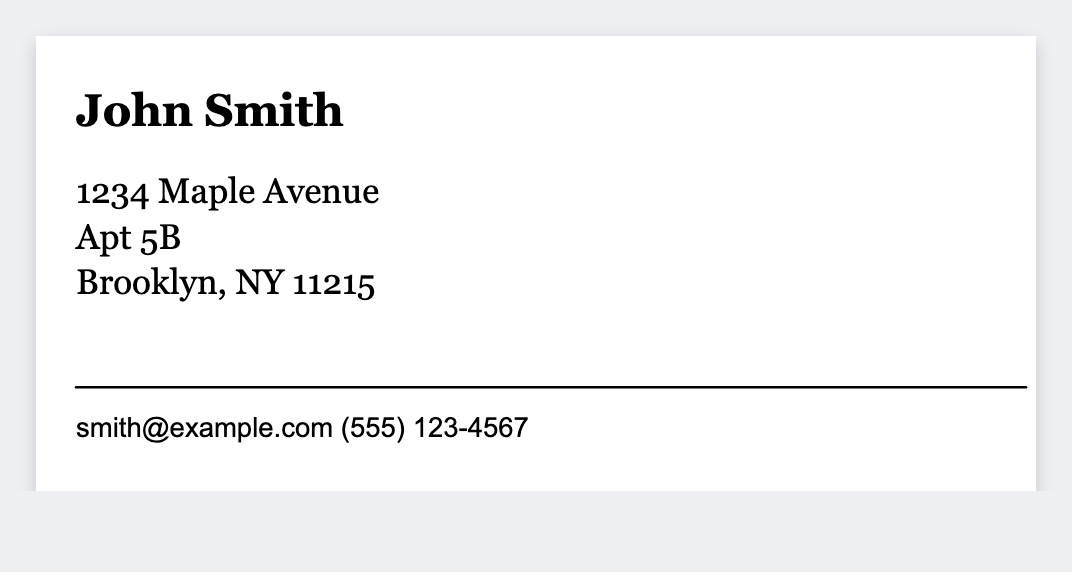
You can print envelope labels from Excel without a Word table. Put name and address in columns, open the free label maker, set 1x2.625 or 2x4, map {{name}} {{addr}} {{city}}, then print. No signup. We print one label per row, not a 30-up Avery 5160 sheet.
Good to know: We print one label per row. We don't auto-build a 30-up Avery 5160 sheet. Export PDF if you need a laser.
How to make envelope labels from Excel
- Open https://app.mylabelmaker.com. No signup. Set your address size.
- Load a sheet with name, street, city, state, zip.
- Map {{name}}, {{addr}}, {{city}} {{st}} {{zip}}.
- Preview two rows. Print on a thermal, or export PDF.
Return address
One FROM block doesn't need a sheet. Type it once, print quantity. For many senders, use the return-address from Excel guide.
Print or save
If you have a Zebra, print from this computer with Browser Print at the printer's DPI. If you don't, download PNG, JPEG, SVG, PDF, or ZPL. JSON keeps the layout so you can open it later.