How to make plant tags from a list
Open the free label maker: app.mylabelmaker.com. No signup. Design the label, then print to a Zebra or download PNG, PDF, or ZPL.
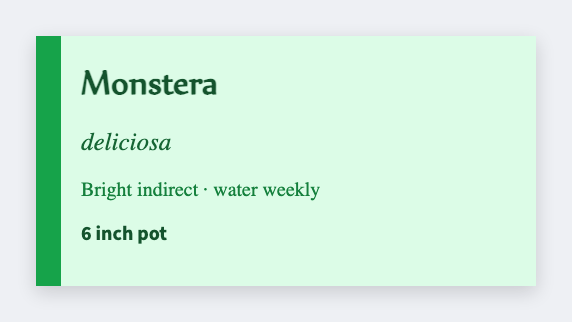
You can make plant tags from a list in the free label maker. Put variety and planted-on date in a sheet, set a small tag, map {{variety}}, and print. Same list you used for seed packets.
Good to know: Paper thermal fades in sun and water. Use it for a season, or print and slip the paper into a sleeve. We don't sell outdoor stock.
How to make plant tags from a list
- Open the plant tag template. No signup.
- Put variety, planted-on, and optional days on each Excel row.
- Set 2x1 or 3x1. Map {{variety}} large and {{planted}} smaller.
- Preview two plants, then print extras for splits.
Nursery vs backyard
Nurseries add a price. Backyard lists add a date. Same layout, extra token.
Print or save
Got a Zebra? Print with Browser Print at the printer's DPI. No Zebra? Print from this computer, or download PNG, JPG, SVG, PDF, or ZPL. Save JSON if you want to open the layout again later.
Print the pot tags
Variety and date from the sheet. Print extras for the splits.
Open plant tag template