Print Address Labels from Excel on Zebra
You can print address labels from Excel on a Zebra without Word mail merge. Open the free label maker, stack the address, load the CSV, and print every row. No signup.
How to print address labels on a Zebra from Excel
Open https://app.mylabelmaker.com. No signup. Excel or Google Sheets, one row per label:
name,company(optional)address1,address2city,state,zip
Save as CSV UTF-8. Sheets users can also publish-to-web, Google Sheets guide.
Design the address label
- Open https://app.mylabelmaker.com. No signup.
- Size: 4x6 for shipping ship-to blocks, or smaller stock for envelope-style labels if your printer supports the width.
- Stack {{name}}, {{company}}, {{address1}}, {{address2}}, then {{city}}, {{state}} {{zip}}.
- Optional return address as static text in a corner. Load CSV, preview each row, print.
US addresses: use 2-letter state codes and keep apt or suite in
address2. For full shipping workflows with tracking barcodes, see shipping labels how-to.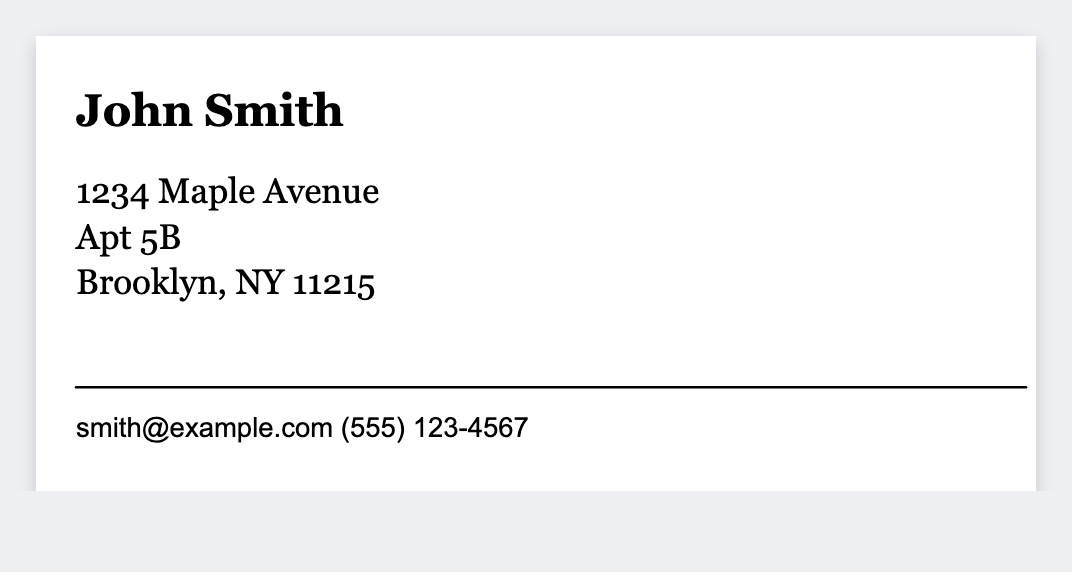
Return address only
Design once with the company name and address. Print N copies. No CSV needed if every return is the same.