How to make barcode labels free
Open inventory barcode template
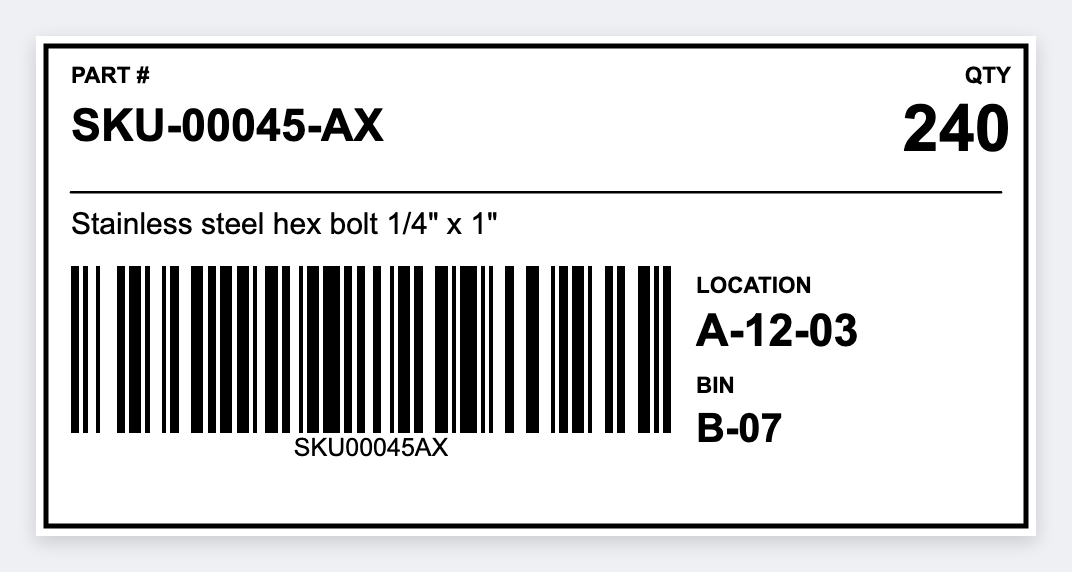
You can make barcode labels in the free label maker. Put a native CODE128 or UPC on a real size, add the number under the bars, and print. No signup. If you have a list, you can print from Excel. The first sticker should scan before you print the stack.
How to make barcode labels
- Open https://app.mylabelmaker.com. No signup.
- Pick the barcode type: CODE128 for SKUs and bins, UPC-A for US retail, EAN-13 for international retail, or a QR code for a URL.
- Set a real size. 2×1 and 2.25×1.25 are common for product stickers. Use 3×2 if you need more text. Size chart.
- Insert a native barcode (not a phone photo). Put the number under the bars. Set DPI to 203 or 300 to match the printer.
- If you have many SKUs, map
{{sku}}or{{barcode}}from Excel, print one, and scan it. If bars look soft: fix fuzzy barcodes.
Design help: how to design labels. Batch: batch print · print from Excel. Full print path: print barcode labels on a Zebra.
Make barcode labels free
Native CODE128 or UPC. No signup. Mac and Windows.
Open inventory barcode template