Print lip balm labels from Excel
Do this in the free app: app.mylabelmaker.com. No signup. Design the label, then print on a Zebra or download PNG / PDF / ZPL.
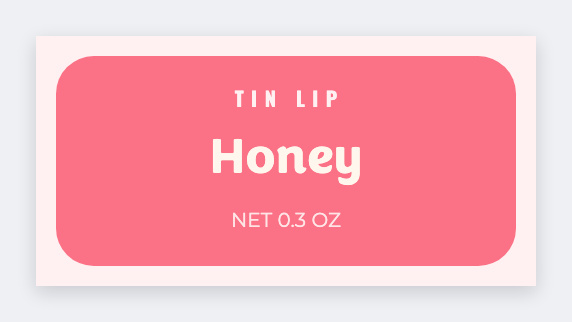
You can print lip balm labels from a flavor list instead of a new Canva file per tube. Put flavor and ingredients in a sheet, open the free label maker, map {{flavor}} and {{ingredients}}, then print.
Good to know: Long INCI lists need a taller wrap. If type hits the edge, go up in height. We do not auto-fit legal copy onto 1x1 stock.
How to print lip balm labels from Excel
- Open https://app.mylabelmaker.com. No signup. Set the tube wrap size you actually cut.
- Sheet headers: flavor, ingredients, net weight.
- Map {{flavor}} large and {{ingredients}} wrapped.
- Upload the Excel file. Print one wrap, check the fit, then the rest.
Pots vs tubes
Same sheet. Lids are a small square. Tubes are a wrap. Save two JSON files.
Print or save
Got a Zebra? Print from the browser with Browser Print, at the printer's DPI. Otherwise download PNG, JPG, SVG, PDF, or ZPL. JSON keeps the label you can open later.