Print file folder labels from Excel
Do this in the free label maker: app.mylabelmaker.com. No signup. Design the label, then print to a Zebra or download PNG, PDF, or ZPL.
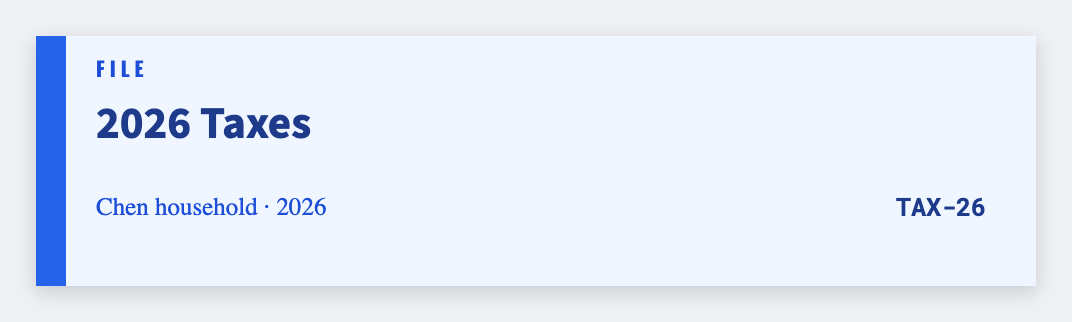
You can print file folder labels from Excel in the free label maker. Put each tab name on a row, set a narrow tab (about 3.5x0.75), map {{tab}}, then print. No signup. No Avery wizard. We print one tab per row.
Good to know: We print one tab per row. We don't lay out a full Avery 5026 sheet automatically. Export PDF if you need a laser.
How to make file folder labels from a list
- Open https://app.mylabelmaker.com. No signup. Set a custom tab size.
- Load a sheet with tab, plus optional drawer or year.
- Map {{tab}}. Keep type large enough to read in a drawer.
- Preview two names. Print the set.
Home office and classroom folders
Teachers use the same steps for take-home folders. Map {{student}} instead of {{tab}}.
Print or save
If you have a Zebra, print from this computer with Browser Print at the printer's DPI. If you don't, download PNG, JPEG, SVG, PDF, or ZPL. JSON keeps the layout so you can open it later.